How to delete your renter account
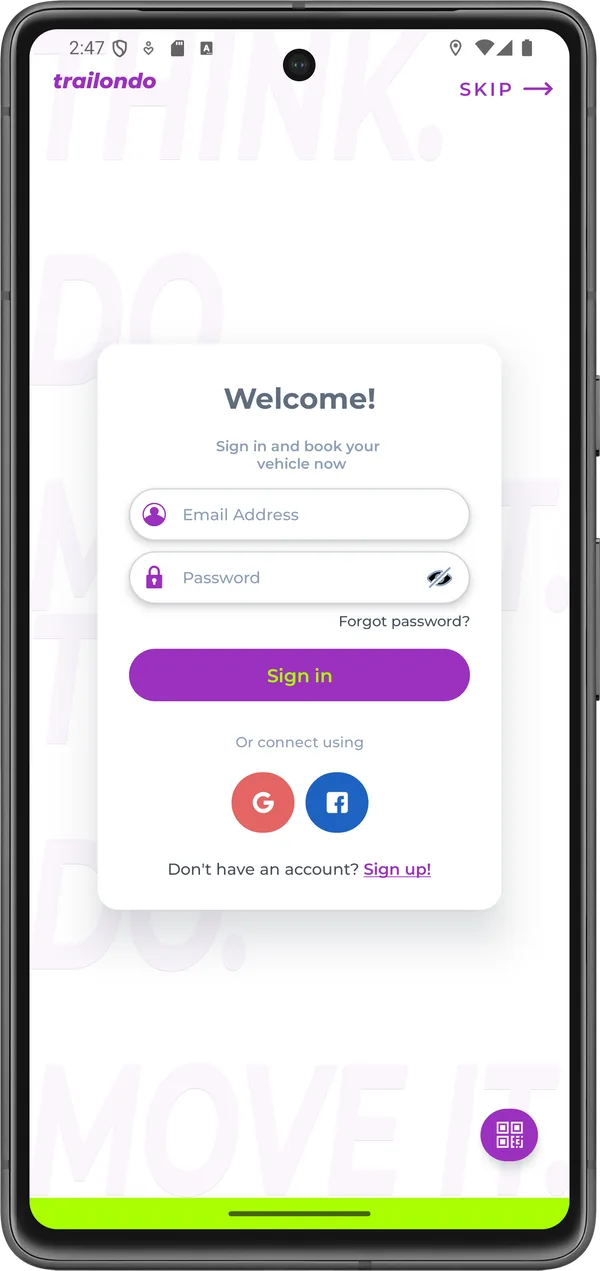
Log in to the app Trailondo Mobility via Google, Facebook, Apple or your self-created account.
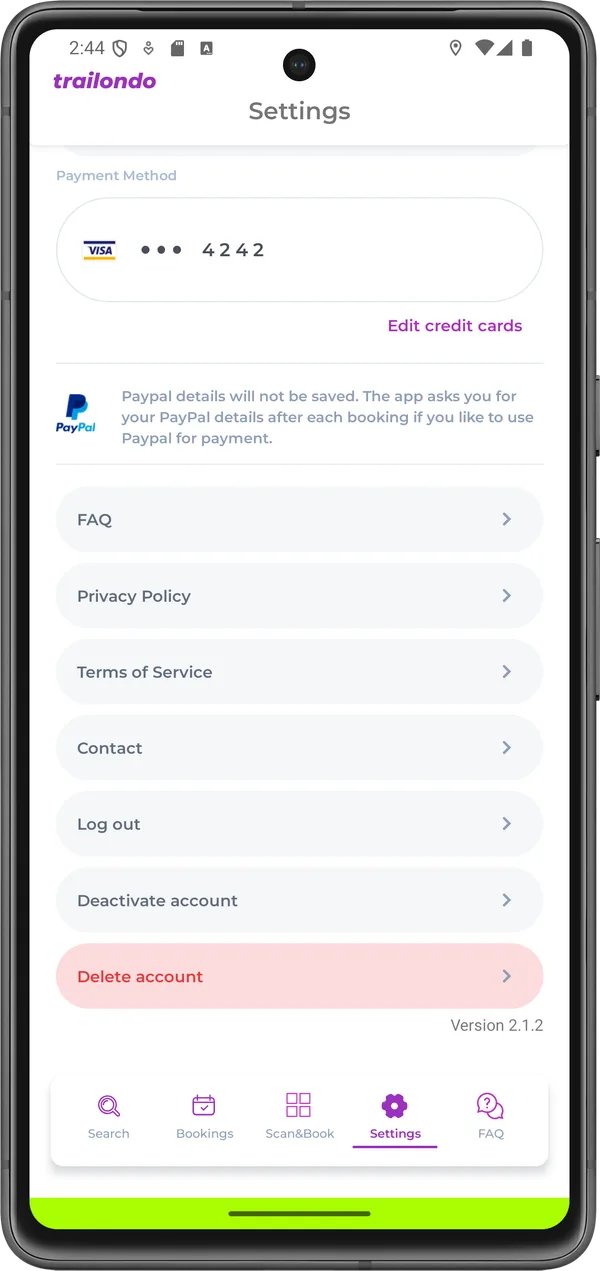
Go to Settings > Delete account.
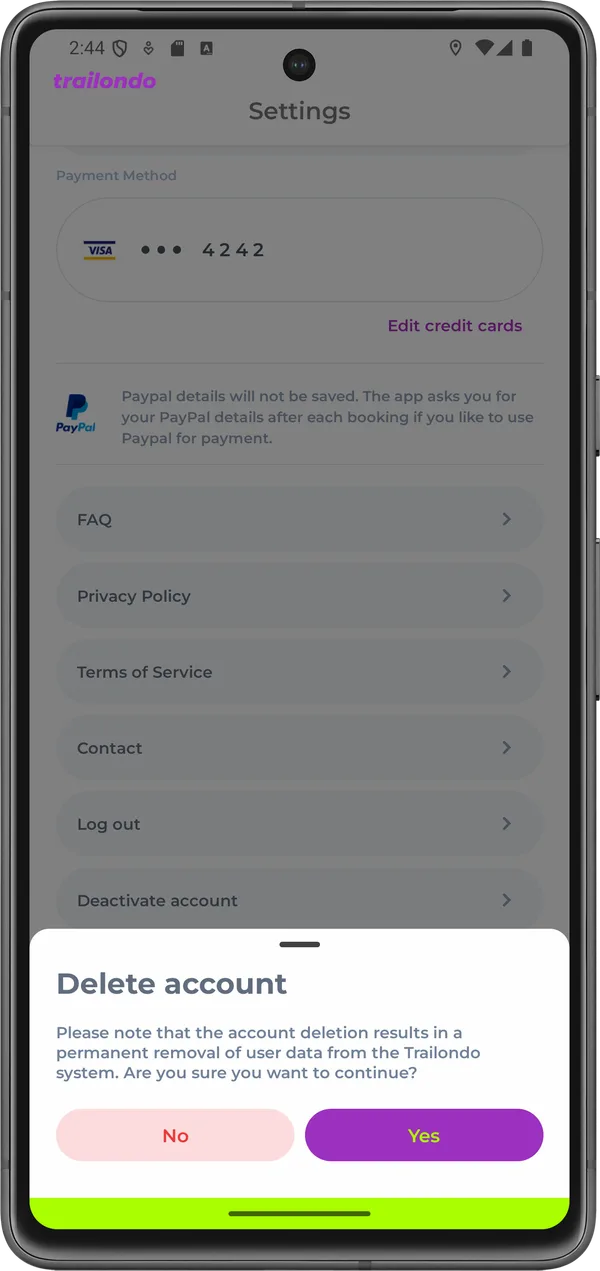
Confirm the account deletion and the permanent removal of user data from the Trailondo Mobility system with Yes.
Request deletion without the app
You can also request the deletion of your account at any time without the app by emailing datenschutz@iqnexxt.com. Please include the email address or phone number you registered with at Trailondo.
What data is deleted
When you delete your account, we delete your account data, in particular your name, contact details and profile information, as well as your driving licence and ID data, including the data from the identity verification – also at our service provider Veriff. Data from completed rental contracts and bookings is only retained for as long as required by statutory retention periods under commercial and tax law (up to 10 years) and is deleted thereafter. Further information can be found in our privacy policy.